

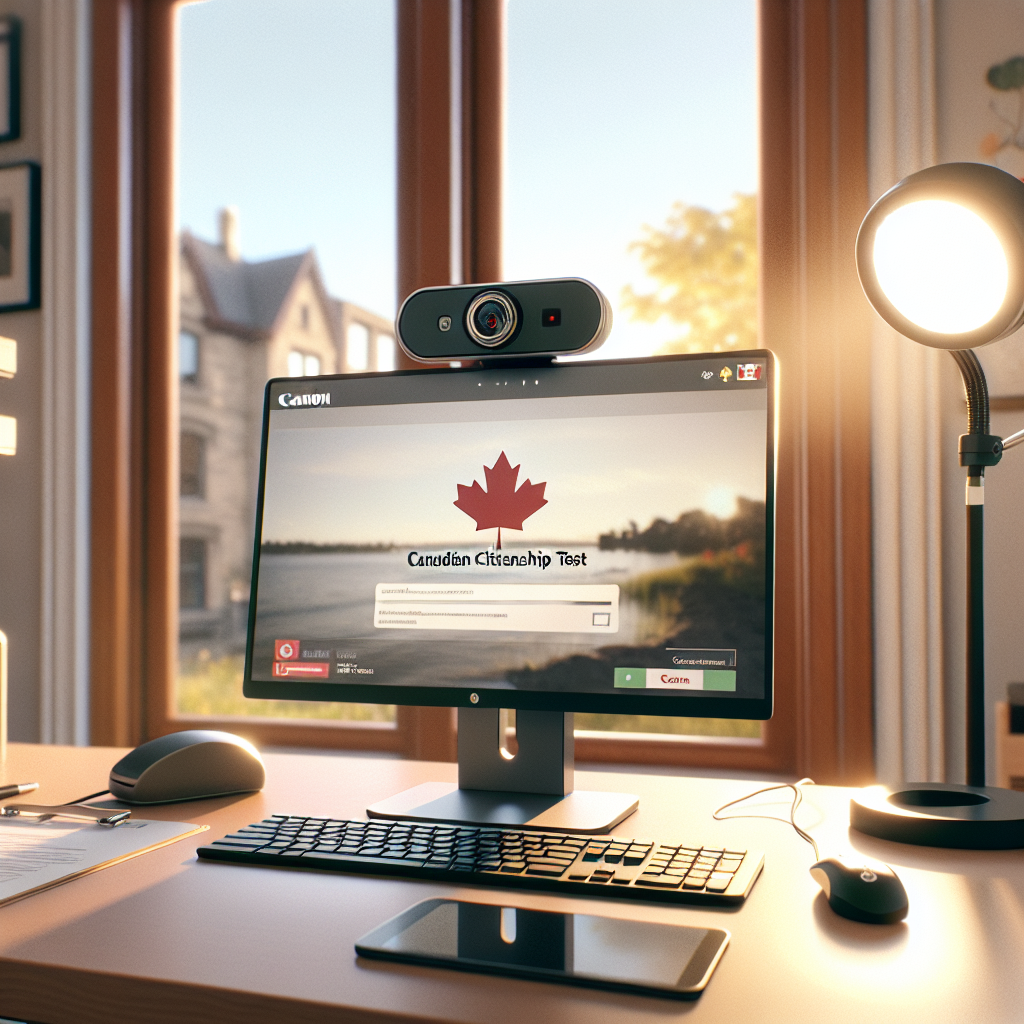
Taking the Canadian citizenship test is one of the final steps on the path to becoming a Canadian citizen.
On March 9, Immigration, Refugees and Citizenship Canada (IRCC) published updated instructions for officers assessing citizenship tests, confirming that the online, self-administered form of the test is now the default format.
Whether you have already received an invitation to take the test or are still in the early stages of your citizenship journey, here are some things to know about the online self-administered process.
The difficulty level is standardized
The online citizenship test is generated from a bank of approximately 300 to 400 questions.
According to IRCC’s updated instructions, each question is weighted so that every version of the test maintains a similar level of difficulty and a balanced mix of topics. Because these tests are generated randomly, it is highly unlikely that two applicants will receive the same set of questions.
IRCC recommends using Discover Canada: The Rights and Responsibilities of Citizenship as the study guide to prepare for the citizenship test.
Applicants looking for additional practice can also use free online sample tests such as those offered by the Richmond Public Library and Toronto Public Library.
You have a limited time window to take your test
Applicants are invited to take the citizenship test by email.
The invitation gives applicants a 30-day window to complete the test, with up to three attempts allowed during that period. This 30-day period runs from the start date to the end date listed in the invitation (it doesn’t start on the day you receive the email).
If you miss this window to take the test, you will have to contact the department to get a new invitation.
The test includes 20 questions. To pass, applicants must answer at least 15 questions correctly. Questions are either multiple choice or true-or-false. There are no open-ended questions.
You have 45 minutes to complete the test.
Your webcam will be on during your test
You must take the test on a desktop computer, laptop, or tablet equipped with a webcam. Your webcam will be on during the test.
On its website, IRCC states that your webcam will be used to take random photos to confirm your identity and ensure you’re working alone.
You must have valid identification ready
Before beginning the test, there is an identity verification process for which you must have valid identification ready.